
Getting Started with Asset Management Systems in TD Pipeline Development
Asset Management System in TD Pipeline Development is the backbone of efficient CGI, VFX, animation, and game production pipelines. With global teams and increasing project complexity, an AMS ensures every digital file—models, textures, rigs, or scripts—is properly organized, version-controlled, and accessible to all departments.
This guide will walk you through the fundamentals of AMS, its importance in TD pipelines, core components, top tools, workflow, and FAQs to get started efficiently.
What Is an Asset Management System (AMS)?
An Asset Management System (AMS) is a software or structured framework for storing, organizing, tracking, and distributing all assets in a production pipeline.
Assets include:
- 3D models
- Textures & materials
- Rigs & animations
- HDRI maps
- Scripts & tools
- Reference files
- Project documents
Ensures all teams use the latest approved version.
Internal link suggestion:
- Learn more about 3D Asset Management in Animation →
[Insert internal link]
Why an Asset Management System in TD Pipeline Development Is Critical
1. Prevents File Chaos
Maintains order and reduces duplicates, overwrites, and misplacement.
2. Improves Team Collaboration
Synchronizes access for multiple artists working on the same assets.
3. Enhances Efficiency
Artists spend more time creating, less searching.
4. Enables Smooth Version Control
Tracks every version and allows rollbacks.
5. Reduces Production Risk
Backup systems and structured metadata prevent errors.
6. Supports Workflow Automation
Automates publishing, approvals, scene assembly, and rendering.
Internal link suggestion:
- Explore TD Pipeline Development Tips →
[Insert internal link]
Core Components of an Asset Management System
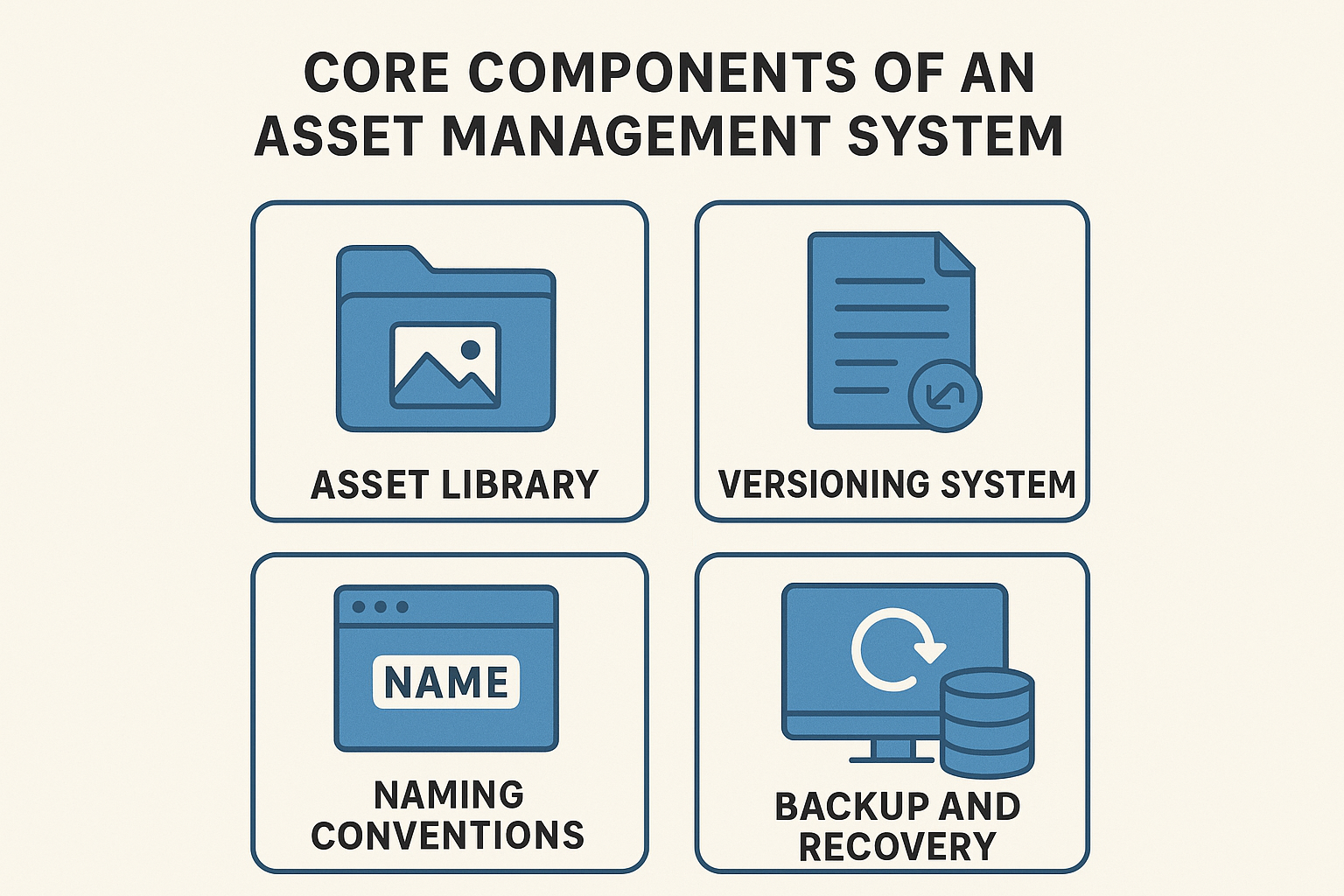
1. Asset Library
Central storage for all production files.
Features:
- Categorized folders: characters, props, FX, sets
- Metadata tagging
- Search & filtering
- Preview thumbnails or 3D turntables
Rich media suggestion:
Add a 3D preview or gallery of assets.
2. Versioning System
Tracks changes, prevents overwrites, and allows comparisons.
Example:chr_dragon_model_v012.ma
Internal link suggestion:
- Read our guide on Version Control Best Practices →
[Insert internal link]
3. Naming Conventions
Standardized naming improves automation and clarity.
Format: [department]_[assetname]_[task]_[version].[ext]
Examples:
env_palace_texture_v005.exrprop_sword_rig_v008.mb
4. Backup and Recovery
Essential for protecting long-term projects.
Features:
- Daily automatic backups
- Cloud mirroring
- RAID storage
- Rollback capabilities
Workflow of Asset Management System in TD Pipelines
Step 1: Asset Creation (Maya, Blender, Houdini, etc.)
Step 2: Local Saving + Naming (prop_robotarm_model_wip_v001.ma)
Step 3: Publish to AMS (upload thumbnail & metadata)
Step 4: Review & Approval (approve/reject)
Step 5: Version Updates (prop_robotarm_model_v002)
Step 6: Pipeline Integration (Layout → Rigging → Animation → FX → Lighting → Rendering)
Step 7: Backup & Archiving
Rich media suggestion:
Create a workflow diagram infographic showing these steps.
Top Tools for Asset Management in TD Pipelines
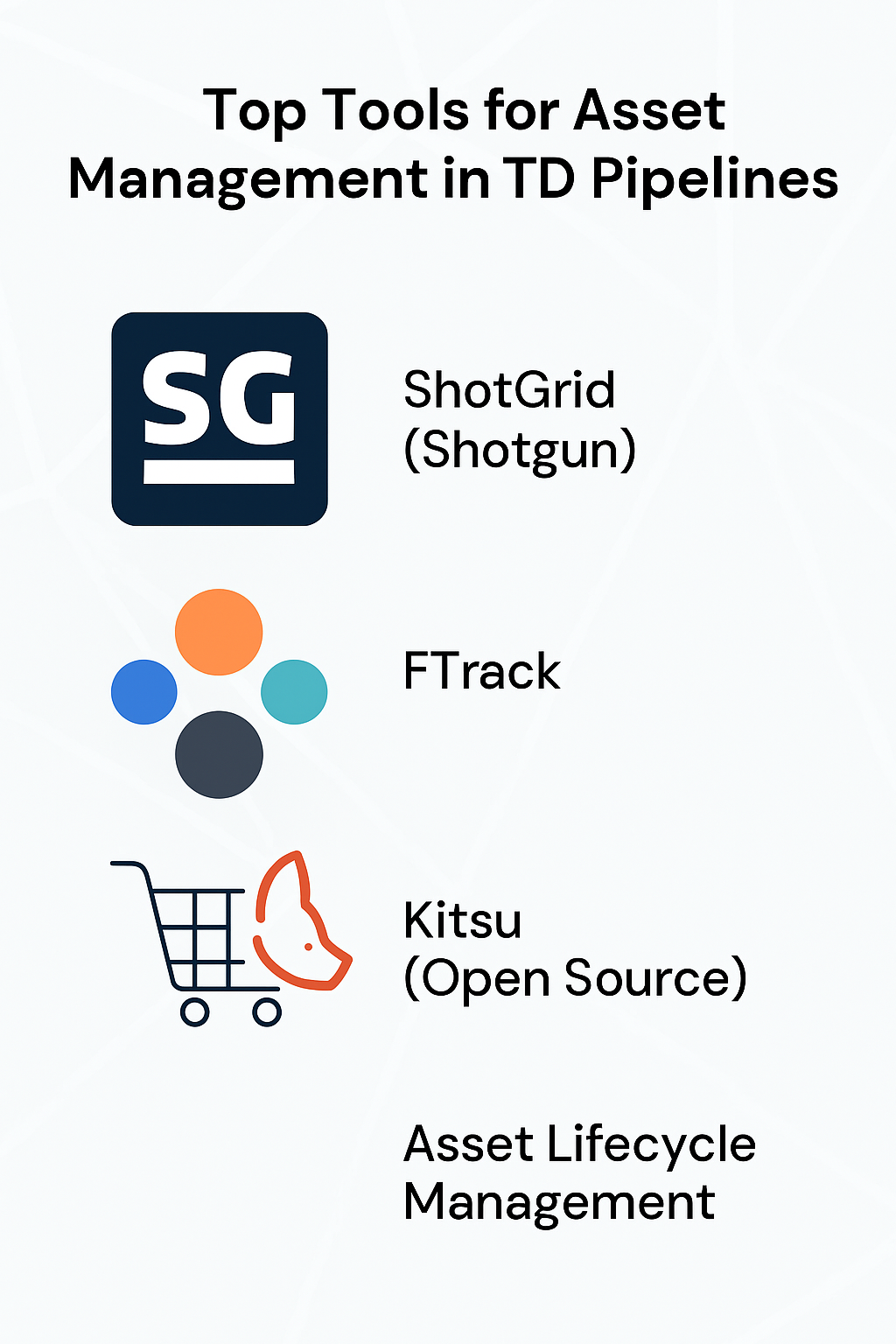
ShotGrid (Shotgun)
- Project & asset tracking
- Task management
- Review & approval
- API for automation
FTrack
- Real-time dashboards
- Review tools
- Task allocation
- Automation API
Kitsu (Open Source)
- Easy UI
- Real-time feedback
- Cloud-based
- Affordable licensing
Custom Studio AMS
Used by Pixar (Presto), Disney (Apollo), Weta (Flowline)
- Deep integration with studio pipelines
FAQs About Asset Management System in TD Pipeline Development
1. What is AMS used for?
Organizes, tracks, and maintains versions of all digital assets.
2. Why is version control important?
Prevents overwriting, tracks changes, supports teamwork.
3. Best tools for beginners?
Kitsu, FTrack; ShotGrid for advanced users.
4. Do small studios need AMS?
Yes, for workflow clarity and error reduction.
5. Does AMS integrate with Maya/Blender?
Yes, via APIs and plugins.
Conclusion
An Asset Management System in TD Pipeline Development ensures smooth, organized, and efficient production pipelines. With libraries, versioning, naming conventions, backups, and integration with tools like ShotGrid, FTrack, or Kitsu, AMS is essential for every modern VFX, CGI, or game studio.
Contact
Phone: +91 99679 40928
Website: www.aibuzz.net
Email: info@aibuzz.net