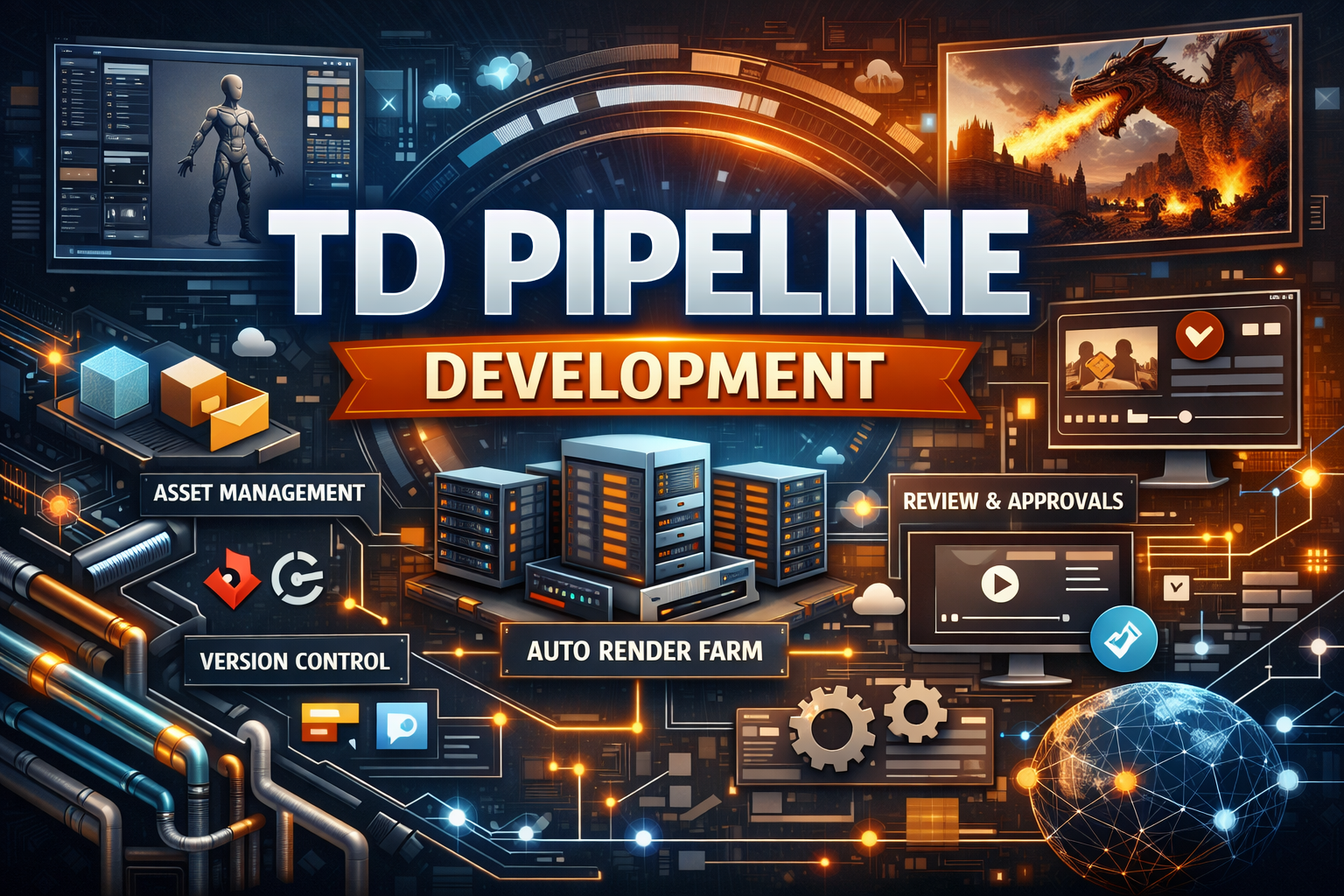
If you’ve ever watched a movie, played a AAA game, or even seen a polished ad on Instagram, you’ve already experienced the results of a strong pipeline.
But behind the scenes?
There’s a hidden system quietly doing the heavy lifting—making sure artists, animators, editors, and developers can work smoothly without chaos.
That system is called a TD Pipeline.
And in this blog, we’re going to break down TD Pipeline Development in a simple, human-friendly, informational way—like RankMath-style content that actually reads like a real person wrote it.
Table of Contents :
- What is TD Pipeline Development?
- What Does a Pipeline TD Do?
- Why Pipeline Development Matters
- Core Components of a TD Pipeline
- Common Tools and Technologies Used
- Step-by-Step Pipeline Development Process
- Pipeline Best Practices
- Real-World Examples
- Challenges in Pipeline Development
- Future of TD Pipelines
- FAQs
TD Pipeline Development – A Practical Guide to Building Production Pipelines :
TD Pipeline Development is the process of designing, building, and maintaining workflows, automation tools, and systems that help creative teams deliver projects faster, cleaner, and with fewer mistakes.
In short:
Artists focus on creativity
The pipeline handles technical consistency
Production becomes smoother and scalable
TD pipeline development is heavily used in industries like:
- VFX (Visual Effects)
- Animation Studios
- Game Development
- Virtual Production
- Motion Graphics
- AR/VR Production
- Advertising and Post-production
What is TD Pipeline Development? :
TD Pipeline Development means building a structured workflow that connects every step of production.
For example, in a VFX studio, a pipeline might manage:
- Asset creation (characters, props, environments)
- Rigging and animation
- Simulation and FX
- Lighting and rendering
- Compositing
- Review and approvals
- Publishing final output
Without a pipeline, every department might work differently, save files differently, and name assets differently—which creates a lot of confusion and wasted time.
A good pipeline ensures:
- Everyone uses the same rules
- Files stay organized
- Work is trackable
- Automation reduces repetitive tasks
- Teams collaborate efficiently
What Does a Pipeline TD Do? :
A Pipeline Technical Director (Pipeline TD) is the person (or team) responsible for building and managing the pipeline.
They act like the bridge between:
🎨 Artists
and
🧠 Engineering / Technology
Key Responsibilities of a Pipeline TD
A Pipeline TD typically handles:
- Developing tools for artists (GUI-based scripts, plugins)
- Managing asset publishing systems
- Automating render submissions
- Creating file structure and naming conventions
- Integrating software like Maya, Houdini, Nuke, Blender, Unreal
- Connecting production tracking tools (ShotGrid, ftrack, Jira)
- Handling version control systems (Perforce, Git)
- Building review workflows and dailies tools
- Supporting production when things break
Pipeline TDs don’t just write code.
They solve workflow problems.
Why TD Pipeline Development is Important :
Pipeline development is not “extra.”
It’s the difference between a studio that survives and a studio that collapses under deadlines.
Benefits of a Strong Pipeline
A well-built pipeline gives you:
✅ Faster Production
Automation reduces manual work and speeds up tasks like:
- publishing files
- creating folder structures
- rendering submissions
- exporting playblasts
✅ Fewer Errors
Standard naming, file validation, and version control reduce mistakes like:
- wrong file versions
- missing textures
- broken references
✅ Better Collaboration
When everyone works inside the same system, departments stop fighting file chaos.
✅ Scalability
If your studio grows from 5 artists to 50, the pipeline ensures things still work smoothly.
✅ Consistent Output Quality
A pipeline enforces consistent rendering settings, color management, and formats.
Core Components of TD Pipeline Development :
A pipeline is not just one tool. It’s a system.
Here are the most important components.
1) Project Structure and Naming Conventions
This is the foundation.
A pipeline usually defines:
- Folder structure (assets, shots, renders, caches)
- Naming rules for files
- Naming rules for versions
- Shot numbering format
- Asset IDs and categories
Example naming format:
shot_010_comp_v003.nk
char_hero_rig_v012.ma
2) Asset Management
Asset management ensures:
- assets are stored properly
- versions are tracked
- dependencies are maintained
It includes:
- characters
- props
- environments
- textures
- rigs
- shaders
3) Shot Management
Shot-based production needs:
- shot folders auto-generated
- file templates
- shot version tracking
- shot status tracking
4) Publishing System
Publishing is a controlled process that moves work from “work-in-progress” to “approved production-ready.”
A good publishing system:
- validates files before publishing
- stores published versions in a clean location
- updates dependencies automatically
5) Render Farm and Automation
Rendering is expensive and time-sensitive.
Pipeline development often includes:
- render submission tools
- farm monitoring dashboards
- auto error reporting
- render queue management
Popular render farm tools include:
- Deadline
- Qube!
- OpenCue
6) Review and Dailies Workflow
This is where shots get reviewed.
Pipeline dailies tools often include:
- auto playblast generation
- auto conversion to MP4
- uploading to review systems
- syncing with ShotGrid/ftrack
7) Production Tracking Integration
Most studios use tracking tools like:
- Autodesk ShotGrid
- ftrack
- Jira
- Monday.com
Pipeline development connects the production tracking system with:
- file structure
- publishing system
- render system
- reviews
Common Tools and Technologies Used in TD Pipeline Development :
Pipeline development is a mix of coding, scripting, and software integration.
Programming Languages
Most common:
- Python (industry standard)
- MEL (for Maya legacy scripting)
- JavaScript (some web dashboards)
- C++ (plugins, performance tools)
- Bash / PowerShell (system automation)
DCC Software Integration
Pipeline TDs commonly integrate:
- Autodesk Maya
- SideFX Houdini
- Blender
- Nuke
- Unreal Engine
- Unity
- Substance Painter
- Mari
- Cinema 4D
Databases and APIs
A pipeline often stores data in:
- SQLite
- PostgreSQL
- MongoDB
APIs used:
- ShotGrid API
- ftrack API
- Deadline API
- AWS APIs
Version Control Systems
- Git
- Perforce (very common in studios)
- SVN (older setups)
Step-by-Step TD Pipeline Development Process :
Let’s talk about how pipelines are actually built in real studios.
Step 1 – Understand the Production Requirements
Before writing any code, a Pipeline TD must understand:
- the studio workflow
- team size
- software used
- project type (VFX, animation, games)
- deadlines and delivery formats
Step 2 – Map the Workflow
This includes:
- how assets move through departments
- what file formats are needed
- what approvals are required
- where things usually break
Step 3 – Build a Pipeline Framework
Most studios build or use a framework such as:
- OpenPype
- USD-based pipelines
- Custom Python frameworks
- Rez-based package systems
Step 4 – Create Core Tools
Tools are created for:
- publishing
- loading assets
- shot setup creation
- render submission
- playblast generation
Step 5 – Integrate Tracking and Review
The pipeline connects:
- shot status
- artist task assignment
- review approvals
- production reports
Step 6 – Test, Deploy, and Support
A pipeline is never “done.”
Pipeline TDs must:
- test with real artists
- collect feedback
- fix bugs
- improve UI and speed
Pipeline Best Practices :
Pipeline development is not only about coding. It’s about building something people actually use.
1) Build for Artists, Not for Engineers
If a tool is too complex, artists won’t use it.
The best pipelines feel like:
“Click, publish, done.”
2) Keep Everything Consistent
Consistency is the secret to scalable pipelines:
- same folder structure
- same naming rules
- same publishing rules
3) Automate Repetitive Work
If artists do something 50 times per day, automate it.
Examples:
- folder creation
- versioning
- caching
- conversions
4) Use Logging and Error Reporting
A good pipeline includes:
- logs for debugging
- clear error messages
- automatic crash reporting
5) Document Everything
Pipeline documentation should include:
- how to install tools
- how to publish
- naming rules
- troubleshooting guide
Real-World Examples of TD Pipeline Development:
Here are practical examples of pipeline tools studios use.
Example 1 – Asset Publish Tool
A tool that allows an artist to:
- select the asset
- check dependencies
- publish a clean version
- automatically update tracking status
Example 2 – One-Click Shot Setup
A tool that automatically:
- creates shot folders
- sets frame range
- loads cameras
- imports assets
- sets render settings
Example 3 – Render Submission Tool
A tool that:
- detects the correct render engine
- assigns farm settings
- submits to Deadline/Qube
- tracks render progress
Challenges in TD Pipeline Development :
Even great pipelines face challenges.
1) Multiple Software Compatibility
Every DCC behaves differently. Supporting Maya + Houdini + Nuke together is not easy.
2) Artists Resist Change
If artists are used to a workflow, they may avoid pipeline tools.
The solution?
Make tools simple, fast, and reliable.
3) Pipeline Bugs Under Deadline Pressure
Pipeline issues often happen when deadlines are close.
That’s why testing and monitoring are essential.
4) Scaling Across Teams
What works for 5 artists may break with 100 artists.
Scalability requires:
- good architecture
- caching
- database optimization
- clear permissions
The Future of TD Pipeline Development :
Pipeline development is evolving fast.
Here are trends shaping the future.
1) USD-Based Pipelines
USD (Universal Scene Description) is becoming a standard for:
- sharing assets across tools
- non-destructive workflows
- large scene handling
2) Cloud Rendering and Remote Pipelines
Studios are moving to:
- AWS
- Google Cloud
- Azure
This enables remote production at scale.
3) AI-Assisted Pipeline Tools
AI is starting to help with:
- auto tagging assets
- detecting errors in scenes
- optimizing render settings
- predicting pipeline failures
4) Real-Time Pipelines
With Unreal Engine and real-time rendering, pipelines now include:
- live review
- virtual production workflows
- LED stage integration
Internal Links :
Here are internal link ideas you can use on your website:
- Artificial Intelligence (AI): A Human-Friendly Guide
- Virtual Reality (VR): The Tech That Doesn’t Feel Like Tech
- Cryptocurrency Development: Beginner’s Guide
- Mixed Reality: The Future of Interactive Tech
(You can link these to your existing blog posts or create them for better topical authority.)
External Links :
Use these for credibility and rich SEO:
- Autodesk ShotGrid Official Site
- SideFX Houdini Documentation
- Pixar USD (Universal Scene Description)
- Thinkbox Deadline Render Manager
- OpenPype Pipeline Framework
Rich Media Link :
Add a rich media resource like:
🎥 YouTube Video Suggestion:
“What is a VFX Pipeline?” (Search on YouTube – multiple studio-level explainers available)
📌 OR
A documentation link:
Pixar USD Overview (official docs)
(FrequentlyAskedQuestion)FAQs :
1) What does TD stand for in pipeline development?
TD usually stands for Technical Director. In pipeline development, it refers to a specialist who builds workflows and tools that connect production departments.
2) Is pipeline development only for big studios?
No. Even small studios benefit from pipelines. A lightweight pipeline can save hours every week by reducing errors and improving organization.
3) What skills are required for a Pipeline TD?
Common skills include:
- Python scripting
- Knowledge of Maya/Houdini/Nuke
- Understanding of production workflows
- Databases and APIs
- Problem-solving and communication
4) Which is better: Open-source pipeline or custom pipeline?
It depends. Open-source frameworks like OpenPype are great for fast setup. Custom pipelines are better for studios with unique workflows and bigger teams.
5) What is the difference between a pipeline and a workflow?
A workflow is the process.
A pipeline is the system + tools that support and automate the workflow.
Conclusion :
TD Pipeline Development is one of the most valuable systems in any production studio.
It keeps everything organized, automated, and scalable—so teams can focus on creative work instead of fighting file chaos.
If your studio wants faster delivery, fewer errors, and better collaboration, building a proper pipeline is not optional anymore.
It’s essential.
☎️: 919967940928
🌐: https://aibuzz.net/
Leave a Reply