
In today’s data-driven world, organizations are inundated with vast amounts of information from various sources. Effectively harnessing this big data is crucial for informed decision-making and maintaining a competitive edge. Microsoft Power BI emerges as a powerful tool in this landscape, offering robust capabilities to integrate, analyze, and visualize large datasets seamlessly. Let’s explore how Power BI and big data work together to drive business growth and innovation.
Understanding Power BI and Big Data Integration

Power BI is a business analytics service by Microsoft that provides interactive visualizations and business intelligence capabilities. It allows end users to create their own reports and dashboards with ease. When it comes to big data—extremely large datasets that reveal patterns, trends, and associations—Power BI offers several methods to connect, analyze, and present this information effectively.
Data Connection Methods in Power BI
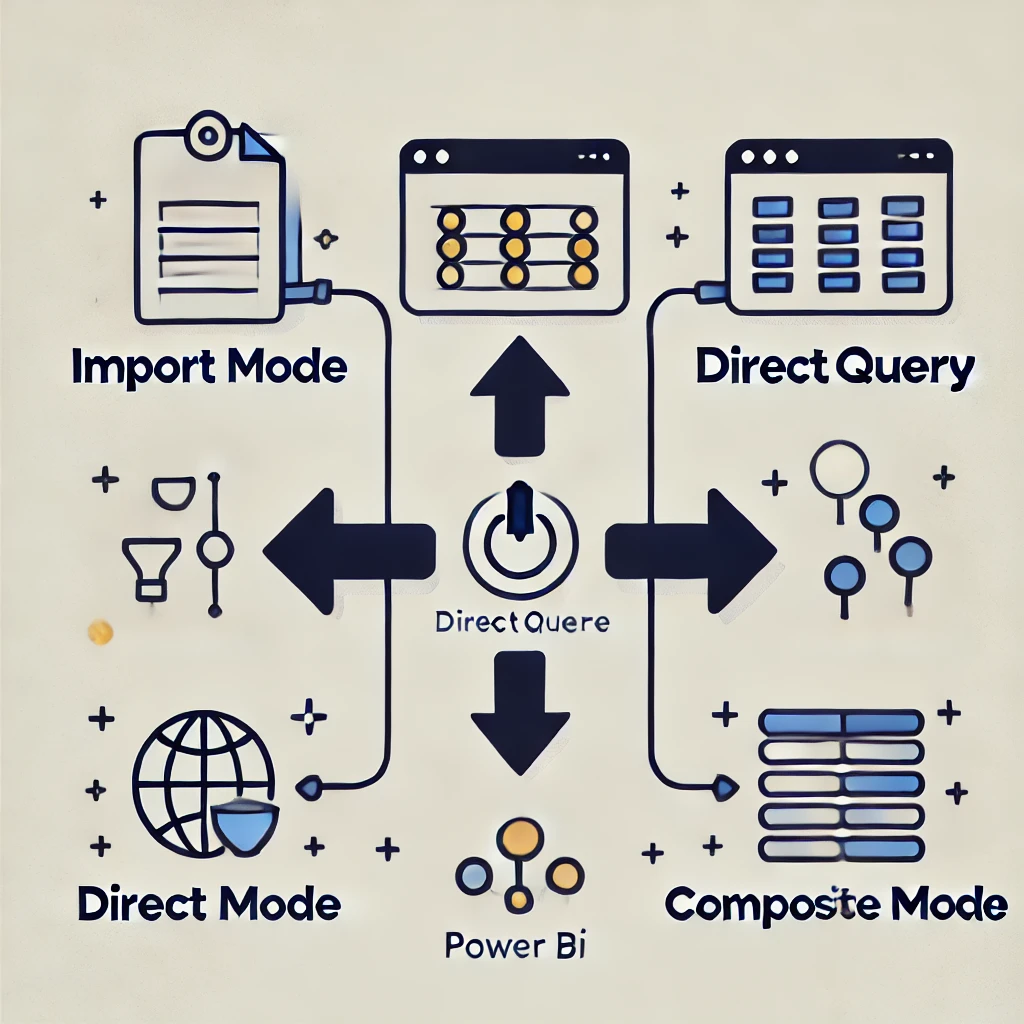
Power BI provides multiple ways to connect to big data sources:
- Import Mode:
In this mode, Power BI copies the data from the source. This is ideal for datasets that change infrequently or are manageable in size. However, data model size restrictions may apply, making it less suitable for extremely large datasets. - DirectQuery Mode:
DirectQuery connects directly to the data source without copying it. This is useful for real-time analysis and for working with datasets that exceed Power BI’s import limitations. However, performance may be affected as every interaction queries the source. - Composite Mode:
Combining both Import and DirectQuery modes, Composite Mode allows flexibility in handling multiple data sources while optimizing performance. Frequently accessed data can be imported, while other data remains in DirectQuery.
Optimizing Power BI for Big Data

To effectively manage big data in Power BI, strategic planning is essential. Here are some best practices:
- Data Modeling:
Design efficient data models by creating relationships between tables, defining hierarchies, and optimizing data structures. This reduces complexity and enhances query performance. - Data Reduction Techniques:
Implement data reduction strategies like aggregations, filtering unnecessary data, and using summary tables. This ensures Power BI processes only essential data. - Incremental Refresh:
For large datasets that update regularly, set up incremental refreshes to update only the new or changed data. This reduces processing time and resource usage. - Performance Monitoring:
Regularly monitor performance metrics within Power BI to identify bottlenecks. Using tools like Power BI’s Performance Analyzer can help optimize query performance and rendering times.
Real-World Applications of Power BI with Big Data

Organizations worldwide are leveraging Power BI to transform big data into actionable insights:
- Carnegie Mellon University:
CMU utilized Power BI to provide employees with dashboards showing power consumption patterns, enabling them to reduce energy usage. This resulted in a 30% decrease in power consumption. - Heathrow Airport:
Heathrow uses Power BI to visualize real-time traffic data, allowing staff to better manage changing conditions. By connecting multiple data sources, they run operations more efficiently.
Enhancing SEO with Rank Math

To reach a broader audience, optimizing content for search engines is crucial. Rank Math, a powerful SEO plugin for WordPress, streamlines this process by offering:
- SEO Analysis Tool:
Comprehensive SEO analysis with actionable recommendations to enhance website performance. - On-Page Optimization:
Real-time suggestions for meta tags, readability, and keyword usage. - Schema Markup:
Easily add schema markup to enhance search engine visibility.
Best Practices for Using Rank Math

- Keyword Optimization:
Conduct thorough keyword research and strategically incorporate keywords using Rank Math’s on-page SEO analysis tool. - Optimize Meta Tags:
Create compelling meta titles and descriptions to attract users and improve click-through rates. - Leverage Analytics:
Utilize Rank Math’s Analytics feature to track performance, keyword rankings, and user engagement.
Conclusion
The integration of Power BI with big data empowers organizations to make data-driven decisions, optimize operations, and innovate with confidence. As businesses continue to navigate the complexities of modern markets, leveraging advanced analytics tools like Power BI is not just an advantage—it’s a necessity.
At Aibuzz.net, we specialize in implementing Power BI solutions tailored to your business needs. Our team of experts ensures seamless data integration, powerful analytics, and intuitive visualizations, enabling you to harness the full potential of big data.
Ready to transform your data into actionable insights?
Contact Aibuzz.net today and take the first step toward a smarter, data-driven future!
Visit Aibuzz.net
Email: info@aibuzz.net
Call: 91 9967940928
Leave a Reply